
What a structured break is and why it matters
How to Take a Structured Break
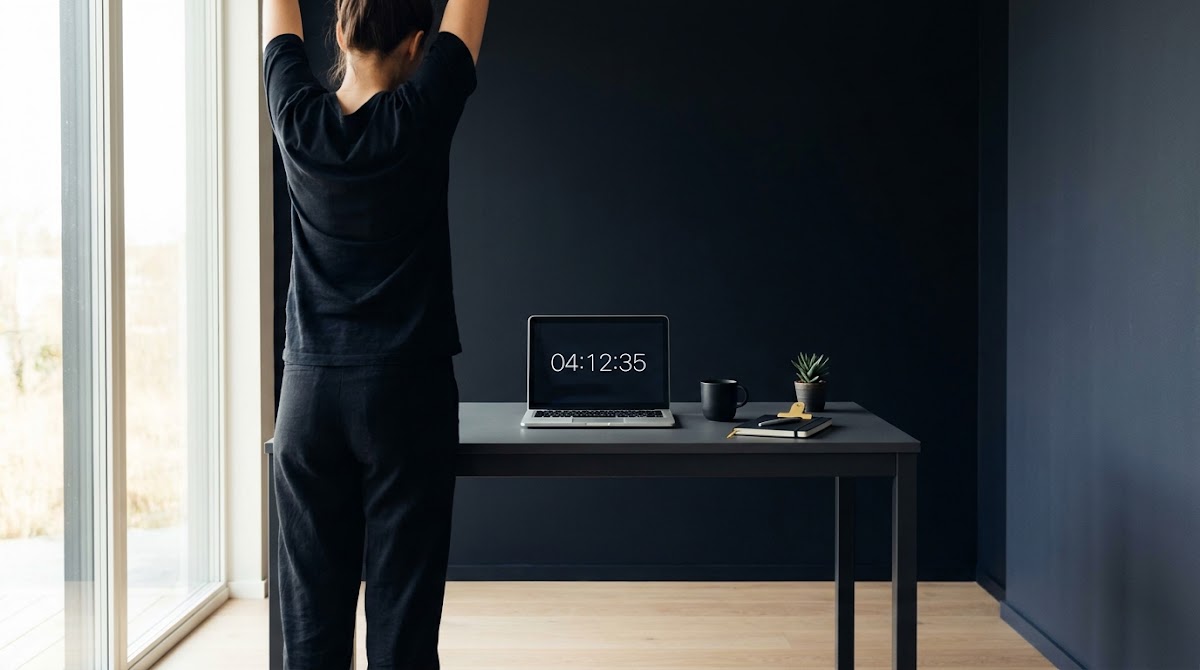
A structured break is a planned pause or change of activity built into your work pattern, not an unplanned single long break taken when you run out of steam. The idea is to schedule short, regular interruptions so your eyes, muscles, and attention get small, predictable relief rather than one long gap that may not prevent buildup of fatigue.
Display screen equipment guidance for workplace planning recommends that work with screens be organised to include breaks or changes of activity, which supports using planned microbreaks during screen-intensive tasks HSE guidance on work routines.
Try a two-week structured-break pilot
Try the two-week template in this guide as a low-effort experiment to see if the routine reduces tiredness and improves focus.
Practical benefits of a structured approach include less eye strain, lower risk of musculoskeletal discomfort from long static posture, and steadier attention across the day. Framing breaks as brief, intentional pauses helps make them easier to follow and measure than ad hoc rests.
The evidence: what research and agencies recommend
Multiple occupational and ergonomics authorities advise planning short, frequent breaks or changes of activity for display screen work rather than relying on a single long break. Agencies emphasise microbreaks and task variation to reduce fatigue and postural strain while helping people sustain attention and performance OSHA computer work-rest schedules.
A peer-reviewed review and meta-analysis found that microbreaks shorter than 10 minutes give small but statistically significant improvements in well-being, including reduced fatigue and increased vigor, without harming task performance. That evidence supports using short breaks as a practical, low-cost strategy to improve daily comfort PLOS ONE meta-analysis on microbreaks.
Guidance does not mandate a single perfect cadence; effective patterns range from microbreaks around every 20 to 30 minutes to somewhat longer 5 to 10 minute breaks after 50 to 60 minutes, depending on the task demands and local policies. Employers and workers are advised to tune schedules to the work and to test which pattern best balances focus and recovery CCOHS office ergonomics on breaks.
Core framework: a step-by-step method to design your structured-break routine
Start by deciding a logical cadence. Base that decision on how long your typical work blocks are and how demanding they are mentally. For short analytic or reading tasks, frequent microbreaks help; for long deep-focus blocks, schedule a slightly longer short break every 50-60 minutes.
To pick a cadence, follow three simple steps: identify your typical task length, rate its cognitive load, and check any organisational safety or scheduling rules that affect when you can step away. Use those inputs to choose between microbreaks every 20-30 minutes or a 5-10 minute break after a longer block.
Which schedule matches your typical work blocks?
Next, mix microbreaks and longer short breaks. A practical pattern is to take a 20- to 30-second visual microbreak or posture reset every 20-30 minutes, and a 5-minute movement break or low-effort offline task every 50-60 minutes. Pilot the combined routine for two weeks and record simple outcome measures: how you score on perceived fatigue, whether you notice less eye discomfort, and whether task errors change.

Pilot testing lets you adapt without large disruption. Track three outcomes each day and compare two-week averages, then nudge cadence up or down by small steps rather than making big changes.
Visual comfort: easy rules to protect your eyes at the screen
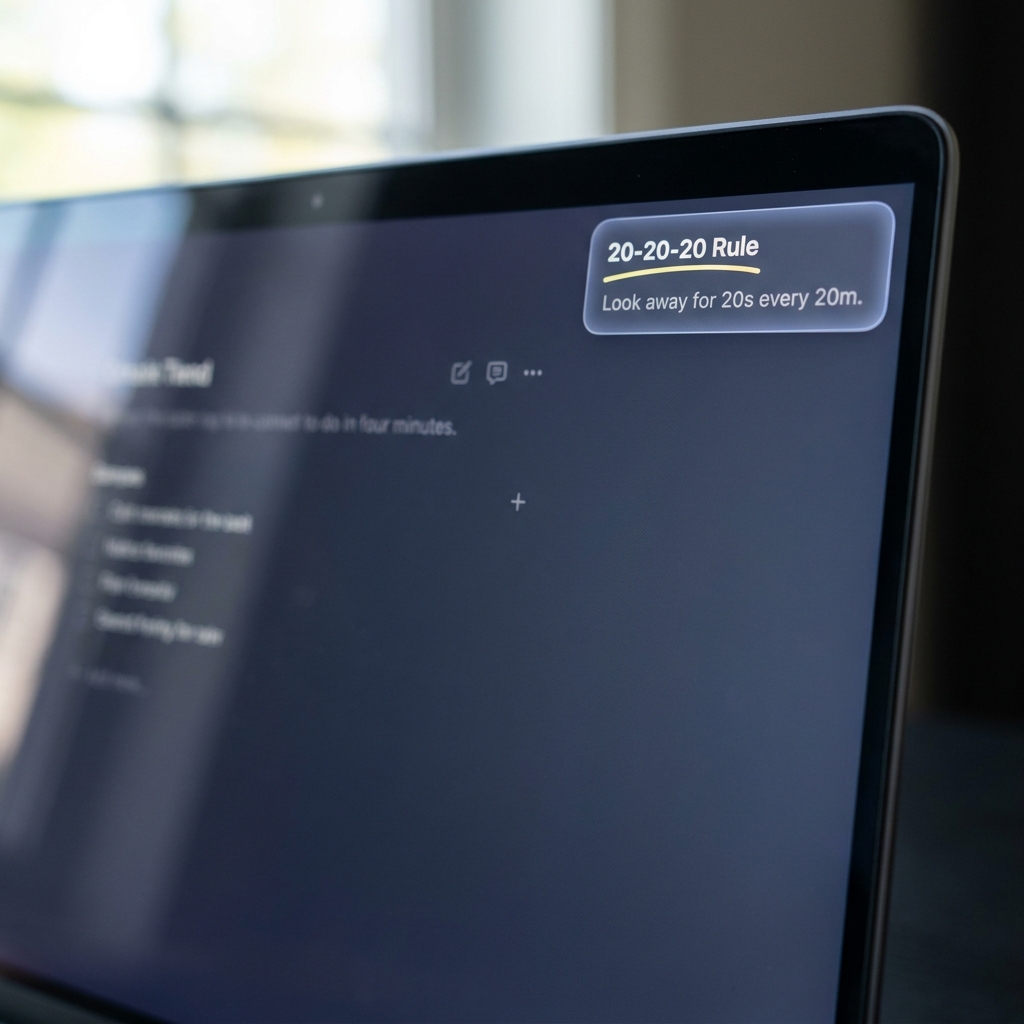
For visual relief during screen work, a commonly recommended approach is the 20-20-20 rule: every 20 minutes look at something about 20 feet away for about 20 seconds. That short visual break helps the eyes refocus from near work and is a simple cue you can use during frequent microbreaks AOA guidance on digital eye strain.
Use the 20-20-20 pattern as a prompt for very brief pauses. If your work pattern does not allow a look-away every 20 minutes, adapt the same idea into slightly longer intervals so you still get regular visual relief without fragmenting deep focus.
Other quick screen-hygiene steps help too. Adjust screen brightness and contrast so the display is comfortable relative to room lighting, reduce glare by repositioning lighting or screens, and increase text size or zoom when appropriate to avoid squinting. These adjustments reduce the visual effort required during focused periods and complement brief visual breaks.
Move your body: short movement breaks to reduce musculoskeletal risk
Micro-movements interrupt long static postures that can lead to neck, shoulder, and back discomfort. Simple actions that take less than a minute, such as standing, walking to refill water, or doing gentle neck and shoulder rolls, can change muscle loading and improve circulation.
Occupational guidance recommends task variation and brief movement to reduce musculoskeletal strain during display screen work. Integrate short posture resets and light stretches into your microbreaks to complement visual relief and reduce the likelihood of soreness OSHA guidance on work-rest schedules.
Here are three short routines you can try at your desk. One, a 30-second posture reset: stand, roll shoulders back, take two deep breaths, and check that your feet and screen are aligned. Two, a one-minute neck routine: gently tilt head to each side and hold for a few seconds, repeating twice. Three, a two-minute standing walk: stand and walk for two minutes while loosening the shoulders and spine. These moves are small enough to fit into frequent breaks and effective when repeated often.
Movement breaks complement visual microbreaks and help the body recover from repeated static postures. When longer breaks are available, include a brief walk or light activity to reset both posture and attention.
Task variation and cognitive switching: when to change activity instead of taking a break
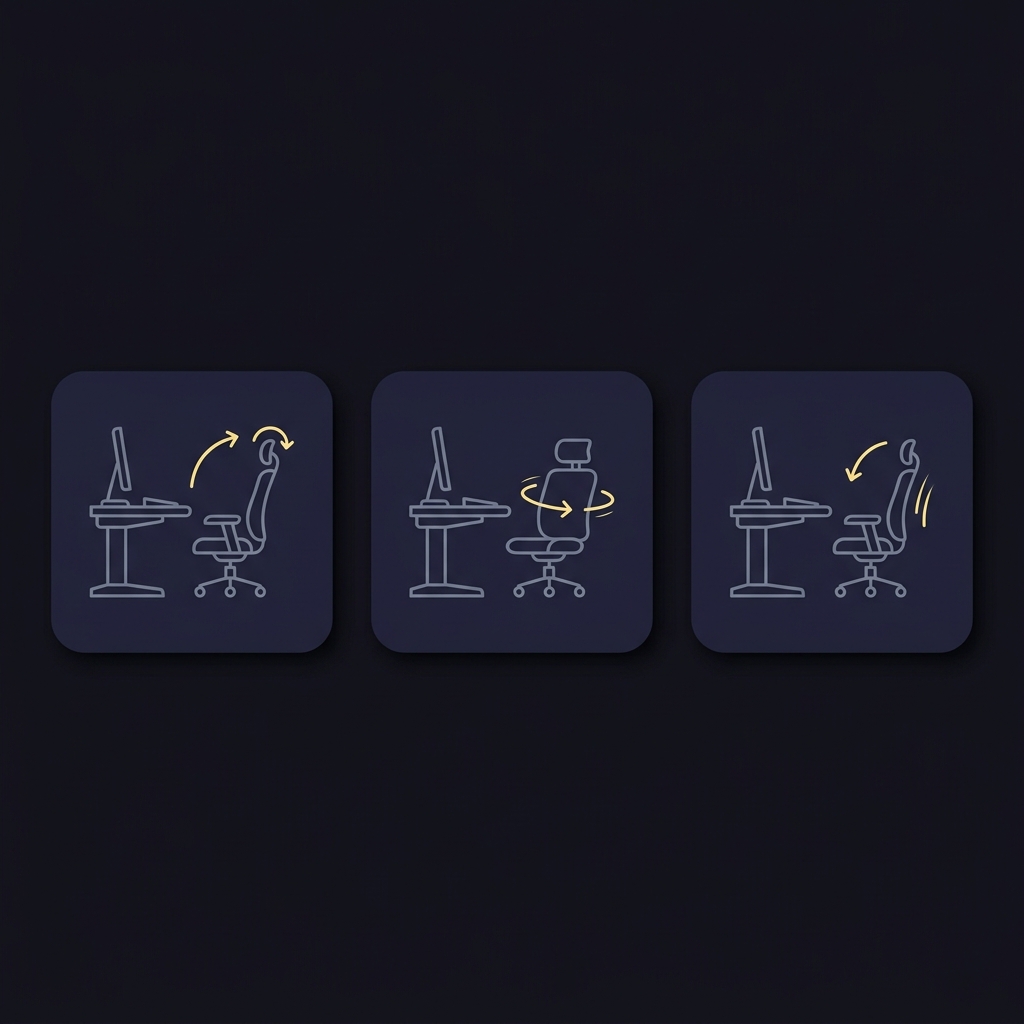
Task variation means switching to a different type of work to give strained muscles or cognitive processes a different set of demands. For example, switching from screen analysis to a phone call or to a short offline planning task can reduce repetitive strain and mental fatigue without stopping work altogether.
Guidance on display screen work explicitly recommends activity changes as an acceptable alternative to pauses when appropriate, because changing the physical or mental demands can relieve strain from repetitive actions HSE guidance on activity changes.
Signs that a task switch may be better than a pure rest break include rising error rates on repetitive entry work, a creeping tension in the shoulders from a single posture, or mental sluggishness during long analytical stretches. Design alternating work blocks so that high-screen, high-concentration periods are followed by lower-screen, less-demanding tasks or brief collaborative activities.
Design a personalized schedule and test it
Use a simple two-week template as your first experiment. Choose a default cadence based on your typical day, then apply small variations and measure outcomes. The template below gives a low-effort pattern you can follow without complex tracking.
Two-week template, sample starting point: on focused days, take a 20-30 second visual and posture microbreak every 25 minutes, and a 6-minute movement or offline break every 55 minutes. On mixed-task days, prefer a 5-minute break every 50 minutes and insert short task switches after meeting blocks.

Record three daily metrics during the pilot: perceived fatigue on a simple 1-to-5 scale, any eye or neck discomfort noted, and a short note on task focus or errors. At the end of each week, review the scores and adjust cadence up or down by no more than one interval step (for example, change 25 minutes to 30, or 55 minutes to 50) and repeat.
Run the two-week pilot with the intention of small, measurable changes. Expect modest improvements in comfort, and use the recorded outcomes to select the version that balances focus and well-being for your context.
Tools and prompts to help you stick to a schedule
Helpful prompts include interval timers that run quietly in the background, calendar blocks that reserve brief non-meeting time, and unobtrusive desktop reminders that suggest a short stretch or look-away. Choose tools that are adjustable and that you can silence temporarily during deep work periods.
Avoid prompts that are intrusive or that force you out of deep focus at arbitrary times. Test reminder frequency and tone to find prompts that nudge without distracting; for example, a soft chime or a silent visual count is usually less disruptive than a loud alarm HSE advice on planning breaks.
a short checklist to set up timers and calendar blocks
choose unobtrusive prompts
Applying structured breaks in hybrid and remote work
In hybrid and remote contexts, self-managed break routines remain important and should be aligned with any organisational safety policies. Plan your day so that personal microbreaks fit around team commitments and agreed working hours, and document your approach when necessary so teammates understand your routines.
When days are meeting-heavy, use microbreaks between sessions and treat short walking or posture resets as non-negotiable breaks. If scheduling allows, prefer asynchronous collaboration for some tasks so you can preserve short windows for recovery and reduce the pressure to stay continuously screen-facing CCOHS guidance on office breaks.
Coordinate with colleagues by sharing the preferred times for brief pauses and by blocking short windows in your calendar that make it easy to step away without disrupting team flow. Consistency helps teams accept short, regular breaks as a normal part of remote work rhythm.
Common mistakes and how to avoid them
A frequent error is skipping microbreaks in favor of a single long break. That approach often fails to prevent accumulated eye strain or musculoskeletal tension that builds between long gaps. Stick to short, scheduled pauses rather than deferring all rest to an extended break later.
Another common problem is using highly intrusive prompts that create new distractions. If reminders pull you out of deep focus too often, reduce frequency or change to a subtler cue. Also avoid filling break time with low-value tasks that resemble work; use breaks for real rest, visual relief, or brief movement.
When correcting mistakes, return to simple rules: set a modest cadence, pick unobtrusive reminders, and measure outcomes for two weeks. Refer to ergonomics guidance if you need specific workplace policy guidance on breaks and task variation OSHA work-rest guidance.
Example schedules and real-world scenarios
Knowledge-work day template: for a day of mixed writing, email, and short meetings, try microbreaks every 25 minutes (20-30 seconds) for visual and posture resets, plus a 6-minute offline break every 55 minutes. Schedule the longer breaks around natural pauses such as between major tasks or before a meeting.
Focused coding or analysis session: for extended deep work, use a longer short-break rhythm: 50 to 60 minutes of focused time followed by a 5-10 minute movement or offline break. During long blocks, insert short visual breaks by glancing at a distant point for 20 seconds every 20-30 minutes to maintain visual comfort PLOS ONE review on microbreaks.
Meeting-heavy day adaptation: on days with back-to-back meetings, put a 2-minute posture reset in the calendar after every two meetings and take a 6-minute walk at midday. If meetings run long, use quick standing breaks between sessions rather than pushing all recovery to the end of day.
How to measure if your structured break plan is working
Use a small set of easy-to-record metrics. Subjective fatigue on a 1-to-5 scale, brief notes on any eye or neck discomfort, and a record of noticed errors or slips are sufficient for weekly review. Add one objective measure if easy to collect, such as a daily count of correction edits or email response time changes.
Run a two-week pilot and review weekly. If perceived fatigue falls and focus reports improve without a rise in errors, the plan is likely working. If discomfort persists or error rates increase, revise cadence or break type and retest with the same simple metrics Evidence on microbreak benefits.
Quick checklist: set up your structured-break routine today
Pick a starting cadence: microbreak every 25 minutes plus a 6-minute break every 55 minutes.
Set tools: enable an interval timer, add short calendar blocks, and choose a soft reminder tone.
Record metrics: perceived fatigue, any discomfort, and a short note on focus or errors each day.
Run the two-week pilot, review weekly, and adjust by small steps.
Conclusion: keep it flexible and measurable
There is no single perfect schedule for everyone. Multiple effective patterns exist, and personalization matters. Use short, planned microbreaks and modest longer short breaks, measure outcomes over two weeks, and iterate based on results and your work context.
Microbreaks provide measurable well-being benefits, typically reducing fatigue and improving vigor without harming performance. View structured breaks as an adaptable tool you can tune as work demands change.
Choose a modest starting cadence, set unobtrusive timers and short calendar blocks, track perceived fatigue and focus for two weeks, and adjust the routine based on those results.
Microbreaks are typically under 10 minutes; brief visual or posture microbreaks of 20 to 60 seconds are common, while short movement breaks often last 5 to 10 minutes.
Evidence shows short microbreaks can reduce fatigue and preserve performance; well-timed breaks usually sustain productivity rather than harm it.
Share the evidence on microbreak benefits, propose small pilot windows, and coordinate brief calendar blocks so breaks fit team rhythms.
References
- https://safetyculture.com/topics/ergonomics-safety/display-screen-equipment-regulations
- https://www.hse.gov.uk/msd/dse/work-routine-breaks.htm
- https://www.osha.gov/etools/computer-workstations/work-process/work-rest-schedules
- https://journals.plos.org/plosone/article?id=10.1371/journal.pone.0255070
- https://www.ccohs.ca/oshanswers/ergonomics/office/breaks.html
- https://www.aoa.org/healthy-eyes/eye-and-vision-conditions/computer-vision-syndrome
- https://www.fundedplays.com/challenges
- https://www.fundedplays.com
- https://www.fundedplays.com/blogs
- https://www.fundedplays.com/blogs/how-fundedplays-evaluations-work
- https://humanfocus.co.uk/blog/breaks-and-posture-changes-during-screen-based-work/
- https://www.mayoclinic.org/healthy-lifestyle/adult-health/in-depth/office-ergonomics/art-20046169