

Quick check: Is FanDuel glitched right now?
Short answer
If you think a fanduel glitch is happening, start by checking real-time outage trackers to see whether many users are reporting the same symptoms; that is the fastest way to tell if the issue is likely platform-wide or local. Third-party trackers aggregate user reports and visualize spikes and outage maps that point to broad incidents, which can save you time during live events Downdetector status page.
Why this matters for bettors
Knowing quickly whether FanDuel is experiencing a platform incident helps you avoid repeated failed submissions, accidental duplicate bets, and unnecessary stress during live betting windows. Trackers are a rapid first check, but they are user-reported and not official confirmations; corroborate across more than one tracker before assuming an operator-side outage IsTheServiceDown FanDuel page. See also Funded Plays.
Check two outage trackers and record report spikes before device troubleshooting
Note timestamps and regions when you check
How third-party outage trackers work and what they show
What outage maps and spikes mean
Outage trackers collect user reports and present them as a volume spike or a geographic heat map; a concentrated cluster of reports in a region or a sharp spike across many locations is a reliable signal that many users are seeing the same problem. Look for sudden report volume increases or a wide geographic spread as a stronger signal of a platform event Downdetector status page.
Limitations of user-reported trackers
Trackers are valuable but imperfect: they reflect what users report, which can include local connectivity problems, automated reporting noise, or transient client-side errors. That is why you should check multiple sources and then move to official support channels if the evidence points to a wider outage IsTheServiceDown FanDuel page or DownForEveryoneOrJustMe.

A quick real-time checklist to verify a platform-wide glitch
Step 1: Check multiple outage trackers
Open at least two independent outage trackers and compare their recent report graphs and maps; matching spikes across trackers are a strong indicator of a system-wide incident rather than an isolated device error Downdetector status page and Outage.Report.
Step 2: Try switching app and web
Quickly switch between the FanDuel app and the web interface to see if errors appear only in one environment; app-only faults point to local device or client issues, while problems present on both app and web are more likely platform-side IsTheServiceDown FanDuel page.
Step 3: Record timestamps and error messages before contacting support. Note exact times, the error text or code, what you were trying to do, and capture screenshots so support staff can reproduce and triage faster FanDuel support request page.
Run the quick checks before contacting support
Run these quick checks now, note what you see, and only submit a support ticket after you have timestamps and screenshots.
iPhone and iPad troubleshooting steps
Force-close and restart
If the FanDuel app is freezing or crashing on iPhone or iPad, force-close the app, restart the device, and then relaunch the app; that sequence often clears transient states that cause unresponsive behavior Apple Support iOS app troubleshooting.
Update or reinstall the app
Check for the latest iOS and app updates and install them; if the problem persists, reinstall the app to clear corrupted local data. These steps follow official guidance and resolve many issues that look like a platform glitch but are tied to an app or OS state Apple Support iOS app troubleshooting.
Android troubleshooting: cache, services, and updates
Clear app cache or storage
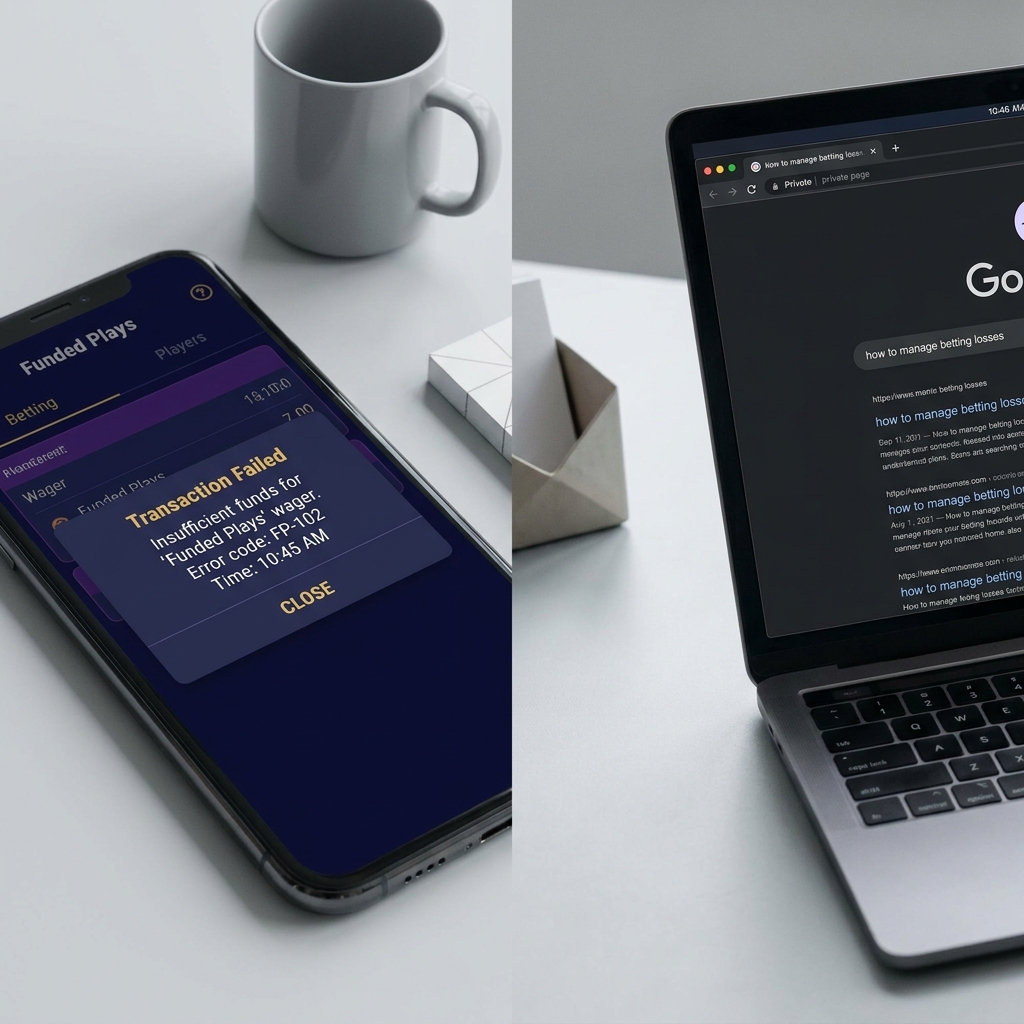
On Android, clearing the FanDuel app cache or storage can remove corrupted session files that cause crashes or display failures. After clearing cache, restart the device and relaunch the app to check whether the error persists Google Play app fixes.
Update Google Play services and the app
Ensure Google Play services and the FanDuel app are up to date; outdated services can cause repeated failures even when the platform itself is operating normally, so update and, if needed, reinstall the app before escalating Google Play app fixes.
Web issues: clearing browser cache and cookies
When a browser refresh is not enough
Session problems, stale resources, or cookie conflicts can make the web interface show old data or prevent actions; clearing browser cache and cookies often fixes these session-related errors before opening a support ticket Chrome cache and cookies guide.

How to clear cache in common browsers
If a simple refresh does not help, use a private browsing window or clear cache and cookies in your browser settings, then retry. Testing in an alternate browser or in a private window helps isolate whether the issue is browser-specific or broader Chrome cache and cookies guide.

Is it my account or is FanDuel down? How to distinguish
Signs of account-level issues
Account problems usually show up as errors tied to your login, odd balances, or messages specific to your account. If only you see an issue and other users report normal service on trackers, the problem is likely account-level and should be tested across devices and networks IsTheServiceDown FanDuel page.
Signals of a platform-wide outage
Simultaneous, geographically broad reports on multiple outage trackers, matching error text from many users, or a visible outage map typically mean the platform is affected. When tracker evidence matches your experience, document it and file a support request with details Downdetector status page.
How and what to report to FanDuel support
Essential diagnostics to include
Before you submit, gather key diagnostics: device type and OS version, app version or browser and its version, exact timestamps, screenshots, and concise reproduction steps. This set of information helps support reproduce and triage rapidly FanDuel support request page and see the official guidance at FanDuel support article.
Use two outage trackers to look for matching report spikes, switch between app and web, and gather timestamps and screenshots; if multiple trackers and interfaces show the same error, submit a support request with those details.
When you open the support form, paste the timestamps, attach screenshots, and include which outage trackers you checked and what their recent graphs showed. That context reduces back-and-forth and speeds troubleshooting FanDuel support request page.
How to submit a support request
Use the official FanDuel support request portal and paste your diagnostics into the problem description; being precise about times, regions, error messages, and the steps you tried helps the support team escalate within their internal workflows more effectively FanDuel support request page.
Live betting windows: extra checks and timing advice
Why timing matters
During live betting, slow or failed responses can lead to automated re-submissions or duplicate actions; confirm whether the issue is widespread before retrying to avoid unintended duplicates. Rechecking outage trackers and switching interfaces quickly helps prevent impulsive retries Downdetector status page.
Switching between app and web during live bets
Switch between app and web to determine if the problem is interface-specific, and document any failed bet attempts with a timestamp for support. Operator-side fixes may take time, so periodic rechecks are prudent rather than repeated immediate attempts IsTheServiceDown FanDuel page.
When to wait, when to escalate, and expected timelines
Short outages vs prolonged incidents
Short, narrow spikes on outage trackers often clear with a brief wait. If multiple trackers show prolonged spikes or many users report the same persistent error, escalate with a detailed support ticket. Trackers and operator posts can lag initial reports, so corroboration is useful before filing Downdetector status page.
What to expect after you file a ticket
Support response times vary with volume and incident severity; after submitting, keep a short log of new observations and update the ticket with any fresh evidence rather than creating duplicate requests, which can slow triage FanDuel support request page.
Common mistakes that make a simple problem look like an outage
Ignoring local network or VPN issues
Local Wi-Fi problems, VPN routing, or poor cellular connections often appear like a platform outage. Test on a different network or disable VPN and recheck the service to avoid misdiagnosis Chrome cache and cookies guide.
Not testing a different device or browser
Failing to test on another device or in a private browser window is a frequent oversight. Always try a quick alternate device or browser before assuming the platform is down, and remember to clear cache where appropriate Apple Support iOS app troubleshooting.
Practical walkthroughs: three example scenarios and responses
Scenario A: sudden app-wide error during a live game
Steps: 1) Check Downdetector and another tracker for matching spikes; 2) Switch to the web interface to see if the issue is app-specific; 3) If both show trouble, record timestamps, take screenshots, and submit a support ticket with the evidence Downdetector status page.
Why this flow: checking trackers first saves time during live action and helps you decide whether immediate retries are likely to succeed or cause duplicate transactions IsTheServiceDown FanDuel page.
Scenario B: only my account can't place bets
Steps: confirm the problem on a different device or network, check if other users report issues on trackers, then gather device details, app versions, and timestamps before filing a support ticket. Account-only errors often require account-level diagnostics from support FanDuel support request page.
If you find the problem is isolated, include your login method, recent changes to account settings, and any unusual messages in the ticket to help speed resolution IsTheServiceDown FanDuel page.
Scenario C: web pages load but odds fail to update
Steps: clear browser cache or use a private window, try an alternate browser, and check trackers. If odds still fail to update while the rest of the site loads, document the behavior and send screenshots and timestamps to support Chrome cache and cookies guide.
This approach isolates caching or session issues from backend data feed problems and gives support the context needed for faster triage Downdetector status page.
A concise decision checklist you can screenshot
Five quick checks
1) Check two outage trackers for matching spikes; 2) Switch app and web; 3) Restart device; 4) Clear cache or reinstall app; 5) Submit a support ticket with timestamps and screenshots if the problem persists Downdetector status page. Read more on our blog.
When to call it a platform outage
Call it a likely platform outage when multiple trackers show concurrent spikes, many users report the same error across regions, and the issue appears on both app and web. In that case, document evidence and file a single, detailed support ticket rather than multiple duplicate requests IsTheServiceDown FanDuel page.
Sample support template: "Device: iPhone 13, iOS 17.4; App version: 5.x.x; Time: 2026-08-01 20:12 UTC; Action: tried to place live bet; Error: bet failed with 'timeout'; Trackers: Downdetector spike at 20:10 UTC; Attached: two screenshots." Use that text as a starting point when you file the support request FanDuel support request page.
Final steps and sensible precautions
Keep logs and avoid duplicate submissions
Keep a short troubleshooting log with times and actions you tried, and avoid submitting the exact same support form repeatedly. Updating one ticket with new evidence is more effective and helps support track progression FanDuel support request page. Learn more about our processes how evaluations work.
When to expect updates
Operator fixes can take time and official posts or tracker visualizations may lag first reports. Periodically recheck outage trackers and app updates, and update your support ticket with new screenshots or timestamps if the problem continues Downdetector status page.
Check at least two third-party outage trackers for matching report spikes and try the web and app; if multiple sources and interfaces show issues, it is likely platform-wide.
Include device and OS, app or browser version, exact timestamps, screenshots, and steps to reproduce the issue so support can triage faster.
Reinstalling often fixes client-side corruption and should be tried after clearing cache and restarting, but it will not resolve operator-side outages.
References
- https://downdetector.com/status/fanduel/
- https://istheservicedown.com/problems/fanduel
- https://help.fanduel.com/hc/en-us/requests/new
- https://support.apple.com/en-us/HT201398
- https://support.google.com/googleplay/answer/2668665
- https://support.google.com/accounts/answer/32050
- https://www.fundedplays.com/challenges
- https://downforeveryoneorjustme.com/fanduel
- https://outage.report/fanduel
- https://support.fanduel.com/s/article/I-m-Having-Issues-With-the-Site-What-Should-I-Do
- https://www.fundedplays.com
- https://www.fundedplays.com/blogs
- https://www.fundedplays.com/blogs/how-fundedplays-evaluations-work