
Can I still access my betamerica horse racing history? A clear overview
Quick answer
Short answer, access depends on your account status and the platform's policies. If you can still sign in, you will likely be able to view recent wagering records and settled bets in your account dashboard. If you cannot sign in, or the account was closed or suspended, retrieving older entries often requires a formal request to customer support and additional verification.
This article focuses on practical steps rather than assumptions: how to check quickly if you still have access, where to look in an account dashboard, how to ask support for records, and what to save once you find them. The guidance covers common self-help checks, contact templates to use with support, and secure ways to preserve records for later use.
What this guide covers
The sections below give a roadmap so you can jump to the part you need: quick account checks for people who still have login access; verifying login status and account types; preparing and sending a data request to customer support; basic privacy and data retention considerations; export and saving options; recovery steps for lost access; which records matter most; a decision checklist for escalation; common pitfalls and preventive habits; and three anonymized user scenarios to illustrate typical outcomes.
Where helpful, the guide suggests practical phrasing and checklists you can copy. It does not promise platform-specific timeframes or retention windows. If you need official confirmation about record availability, contact the platform directly.

Where helpful, the guide suggests practical phrasing and checklists you can copy. It does not promise platform-specific timeframes or retention windows. If you need official confirmation about record availability, contact the platform directly.
How to quickly check your betamerica horse racing history from your account
Step-by-step quick actions
1. Sign in with the email or username you originally used. If the login works, pause before navigating away so you can take screenshots or export data.
2. Locate an area labeled account dashboard, transaction history, or wagering history. Many racing platforms show settled bets, open tickets, and deposit or withdrawal lines under account or activity menus.
3. Use any filters the site provides to narrow results by date range, race day, or transaction type. Searching by race name, date, or ticket number can speed locating the exact entry you need.
Screens and menu areas to look for
Common menu labels to check include My Account, History, Transactions, Betting Activity, or Statements. If you see a transaction log view, expand or select entries to reveal timestamps, amounts, and race identifiers that help match a record to a race result.
When you find entries you need, save them right away. Download any available CSV or PDF export, or make clear screenshots showing the page, date, and account name. Record the exact time and date you accessed the page as an audit trail.
Learn about structured challenge options and disciplined recordkeeping
Try the quick checklist above now, and if you see records, save exports or screenshots immediately so you have a copy outside the site.
Login status, account types and access limitations to check first
Active vs closed accounts
Before escalating, confirm your login status. An active account that accepts your credentials usually allows direct access to recent account transaction history and settled bets. If the site rejects credentials with a message that the account is closed or deactivated, you will need to proceed with recovery and potentially a support request to retrieve older records.
Accounts can be closed for various reasons. If you find a message indicating closure, take notes: the exact message, any timestamps shown, and any emails you have from the platform about the action. These details will help if you contact support or need to verify ownership.
Account verification and locked accounts
Some accounts are temporarily locked pending verification or after suspicious activity. If you encounter a locked or verification-required notice, follow the platform prompts for identity confirmation, which often include email verification links or requests for identity documents. Keep copies of any verification emails you receive and note when you submitted requested documents.
If password reset attempts fail, check your spam and trash folders for verification emails. Ensure you try the password reset using the specific email the account was created with. If you do not control that email anymore, you will need to explain that clearly when contacting support and provide any alternate ownership details you can.
How to request your account history from customer support and what to ask for
Preparing your request
Before contacting customer support, prepare a concise request that includes: the account email or username, a clear date range for the records you want, and the types of records you need such as settled bets, deposits, withdrawals, or transaction logs. Also list any specific race identifiers or ticket numbers you can provide to speed the search.
Attach copies of any identity documents the platform previously accepted if you still have them, and prepare clear contact details so support can reach you if verification is required. Keeping your initial message focused and factual often produces the quickest response.
Possibly, but it depends on account status and the platform's verification and retention policies; prepare ownership evidence and contact support with a clear date range to request records.
Contact channels and sample request language
Most platforms offer in-site messaging, email support addresses, and sometimes phone lines. Use the in-site option if you can log in, because that often provides the clearest account link for support staff. If you cannot log in, email is generally the next best option so you have a timestamped record of your request.
Sample message to copy: Hello, I am requesting account records for account email [your email] for the date range [start date] to [end date]. Please provide a copy of my settled bets and transaction history for that period, including timestamps and race identifiers. If you require identity verification, tell me what documents you need and where to send them. Thank you. Keep a copy of your outgoing message in a personal log and note any ticket or reference number support provides.
Data retention, privacy, and legal considerations you should know
Why platforms store or delete history
Platforms retain user data for a variety of operational and regulatory reasons, but retention policies vary and can change. The fact that a platform stores records for operational needs does not guarantee indefinite access for users. If you need specific retention details, consult the platform's privacy policy or contact support to learn how long records are ordinarily available.
When you request historical data, expect standard verification steps to protect account owners. Platforms often confirm identity before releasing personal or transaction details to prevent data disclosure to unauthorized parties.
When legal or regulatory requests matter
In some cases, legal or regulatory requests can affect data availability. If you believe there is a regulatory reason your records may be restricted or required, mention that calmly when you contact support and be prepared to provide formal documentation if asked. For persistent disputes about access, you may need to consult the platform's privacy policy or seek external guidance on data access rights in your jurisdiction.
Keep in mind that privacy and legal processes differ across regions, so factual clarity and patience are important when following this path.
Exporting, downloading and saving your betamerica horse racing records for safekeeping
Export options to look for
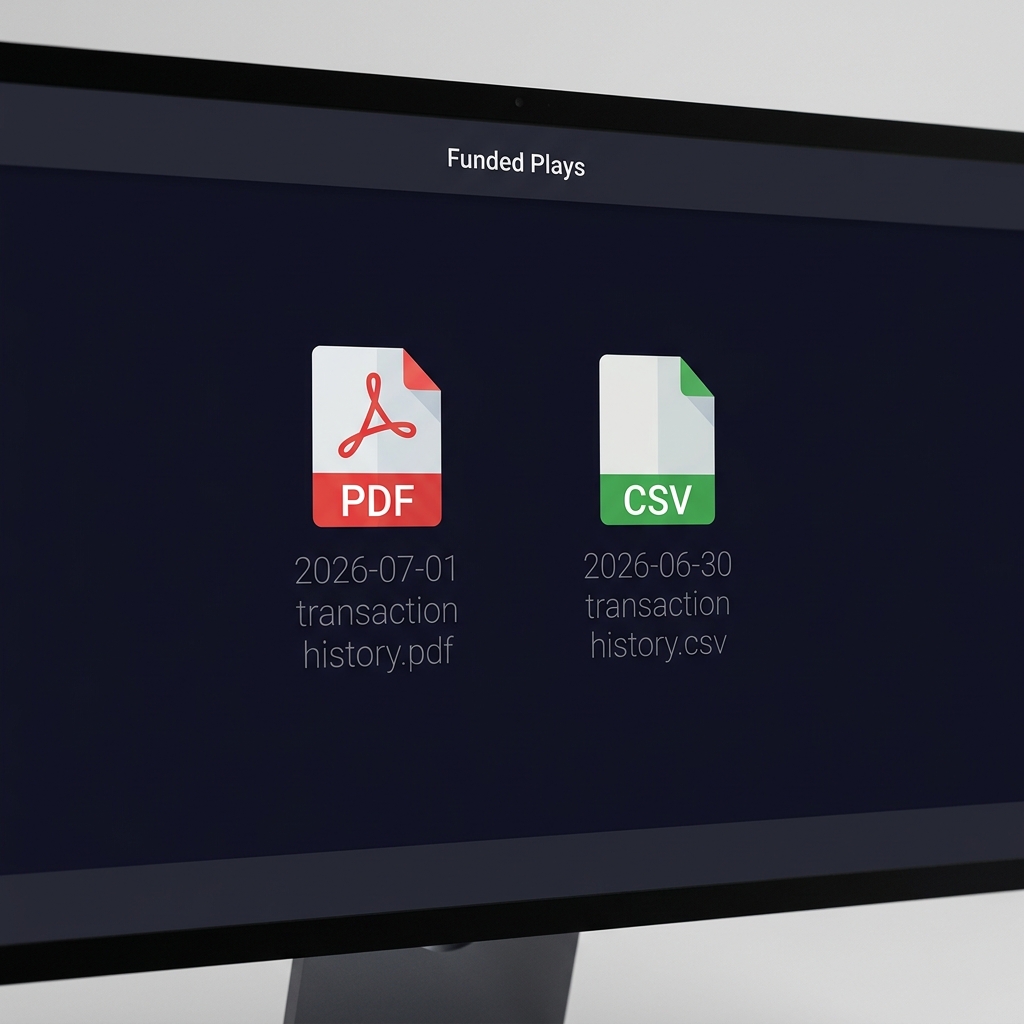
Look for export functions that produce CSV or PDF copies of your statements or transaction logs. A CSV export is useful if you plan to analyze or sort records later, while a PDF preserves the visual layout and can be simpler to use as a fixed record. If exports are not available, screenshots of the account page that show your name, date, and the platform navigation can serve as a backup.
When exporting, choose a clear file name format that includes your account identifier and the date range. For example, include the account email and the dates covered. This helps you find and match files later when reviewing multiple archives.

Best formats to save and store records
Prefer PDFs for immutable records and CSV for analysis. Keep an uncompressed backup copy in secure storage, and consider a second encrypted backup to protect sensitive personal information. If you plan to share a record with support or another party, redact or remove any unnecessary personal data before sending and confirm the recipient's contact details.
Always verify the saved files open correctly and show the full record before deleting your local browser cache or logging out. Maintain a simple naming convention and folder structure so you can find the records quickly later.
If you lost access: recovery steps and common troubleshooting
Password and email recovery
Begin with standard recovery steps: use the password reset function and enter the email you used to register. Check spam, trash, and focused inboxes for the reset message. If the platform sends a one-time code, use it promptly as codes may expire quickly.
If you no longer control the registered email, prepare to show supporting evidence of account ownership when you contact support. Useful items to gather include ID documents you used for verification, transaction receipts that show deposits or withdrawals, and dates of significant account events such as the last successful login.
A compact checklist to guide account recovery attempts
Keep copies of correspondence with support
When to escalate to support
If password resets do not arrive or you receive an account-closed message, open a support ticket and include the prepared ownership evidence. Ask for a ticket or reference number and note expected response windows based on what support indicates. Document every update from support so you can follow up with a clear timeline if the issue stalls.
Recognize when the situation may need a different resolution path: for example, if identity theft is suspected or if regulatory barriers prevent immediate access. In those cases, escalate politely and request clear instructions for what documentation or steps the platform requires.
What records are most useful to save from your betamerica horse racing activity
Minimal record set to preserve
At a minimum, save these items: transaction history showing deposits and withdrawals, settled bets with timestamps, ticket or bet identifiers, and any race identifiers such as racecard names or dates. These pieces create a coherent trail that links an account action to a race result.
Also consider saving account statements or snapshots of your balance over time if you track overall performance. For tax or accounting purposes, deposit and withdrawal records and transaction timestamps are often the most relevant.
How saved records help later
Saved records help in several ways: they provide evidence if you need to dispute a transaction, they help reconstruct activity if an account is closed, and they support personal tracking and analysis. Organize files with clear names and keep a short index that lists file contents and date ranges so you can find a specific record quickly.
Whether you keep a simple folder structure or a modest spreadsheet index, consistency in naming and storing will save time if you later need to retrieve or present those records.
Decision checklist: when to escalate, archive, or move on
Quick decision flow
Use this short flow to decide your next step: can you log in? If yes, export and archive immediately. If no, can support provide the records within a reasonable time? If yes, open a ticket with concise details. If support cannot help or response is very slow, weigh the importance of the records against the time and effort to pursue further.
Ask yourself whether the records are needed for tax, dispute, or personal recordkeeping. If they are essential, plan to escalate politely and document every interaction. If they are mostly for personal interest and support response is poor, archiving what you have and moving on may be the practical choice.
Cost-benefit questions to ask
Consider the estimated time and stress to get a response, the likely clarity of the records you expect to receive, and whether alternative sources such as bank statements can substitute for specific transaction details. Use those factors to decide whether to invest more effort pursuing old records.
When escalating, focus on succinct requests and clear evidence of ownership to reduce back-and-forth and speed resolution.
Typical problems and how to avoid them when retrieving history
Common pitfalls
Frequent issues include outdated recovery emails that you no longer control, not saving records proactively when you still have access, and providing incomplete verification documents. These problems make recovery slower and can result in partial records.
Another common pitfall is failing to document support interactions, which makes follow-up harder. Keep a simple correspondence log with dates, times, and the names or ticket numbers support provides so you have a clear timeline of the request process.
Preventive habits to adopt
Simple habits prevent many headaches: set a monthly export or snapshot routine if you care about long-term tracking, keep your account email updated, and store exported files with clear names and backups. Regular small tasks reduce the need for larger recovery efforts later.
If you expect to keep records long term, consider an encrypted archive and a short index file that lists what each export contains and the date range covered. This approach makes retrieval and audit much faster when you need it.
Practical scenarios: three common user stories and what they did
Scenario A: quick export before closing an account
User A planned to stop using the account and wanted a full record. They signed in, found a statements area, exported a PDF of the last two years, and saved a CSV for analysis. They named files clearly and made two backups before requesting account closure. The lesson: export while you still have access and keep a backup in secure storage.
Scenario B: lost access and a successful recovery
User B lost access when they changed email providers and forgot to update the account. They gathered transaction receipts, provided ID per support instructions, and used the platform's secure message channel to request specific settled bet records. Support validated ownership and supplied the requested period. The lesson: keep receipts and be ready to provide ownership evidence when you cannot use the original email.
Scenario C: partial records and a negotiated resolution
User C could access recent history but older entries were missing from the dashboard. They asked support for older records, received partial exports, and used bank statements to fill gaps. They documented the exchange and archived everything. The lesson: combine platform exports with bank or personal records when complete platform history is not available.
Across these scenarios, a consistent approach helped: copy key details, be concise with support, and keep backups of everything you receive.
Conclusion and a one-page checklist to take action now
Next steps summary
Start by attempting to sign in and locate transaction or history pages. If you can access records, export or screenshot them immediately. If you cannot sign in, prepare a concise support request with account identifiers and the exact date range you need, and include proof of ownership if required.
Quick checklist to copy
Copy this action list: 1) Attempt login with original email, 2) Check My Account or History pages, 3) Export PDF or CSV if available, 4) Screenshot entries with timestamps if not, 5) Prepare a support message with dates and identifiers, 6) Keep a correspondence log and backups, 7) Consider using a structured challenge platform like FundedPlays to practice disciplined recordkeeping.
Taking these steps gives you the best chance to retrieve and preserve a clear record of your activity. If you need structured guidance on challenge-based sports prediction or want to learn disciplined tracking methods, you may find the FundedPlays Challenges page informative for alternative, skills-based sports prediction programs.

Yes, but you will likely need to provide alternative ownership evidence such as transaction receipts or identity documents and contact support to complete verification.
Save exports as PDF for fixed records and CSV for spreadsheet analysis; use screenshots only when exports are unavailable.
Response times vary by platform; prepare your request clearly and ask for a ticket number so you can follow up if needed.
References
- https://support.betamerica.com/hc/en-us/articles/360055910012-Where-can-I-find-my-wager-and-account-history
- https://support.betamerica.com/hc/en-us/articles/360055908872-How-can-I-contact-Player-Services
- https://support.betamerica.com/hc/en-us/articles/360055908912-What-happens-if-I-forget-my-username-or-password
- https://www.fundedplays.com/blogs
- https://www.fundedplays.com
- https://www.fundedplays.com/challenges