
What a bet slip app is and why online bet checking exists
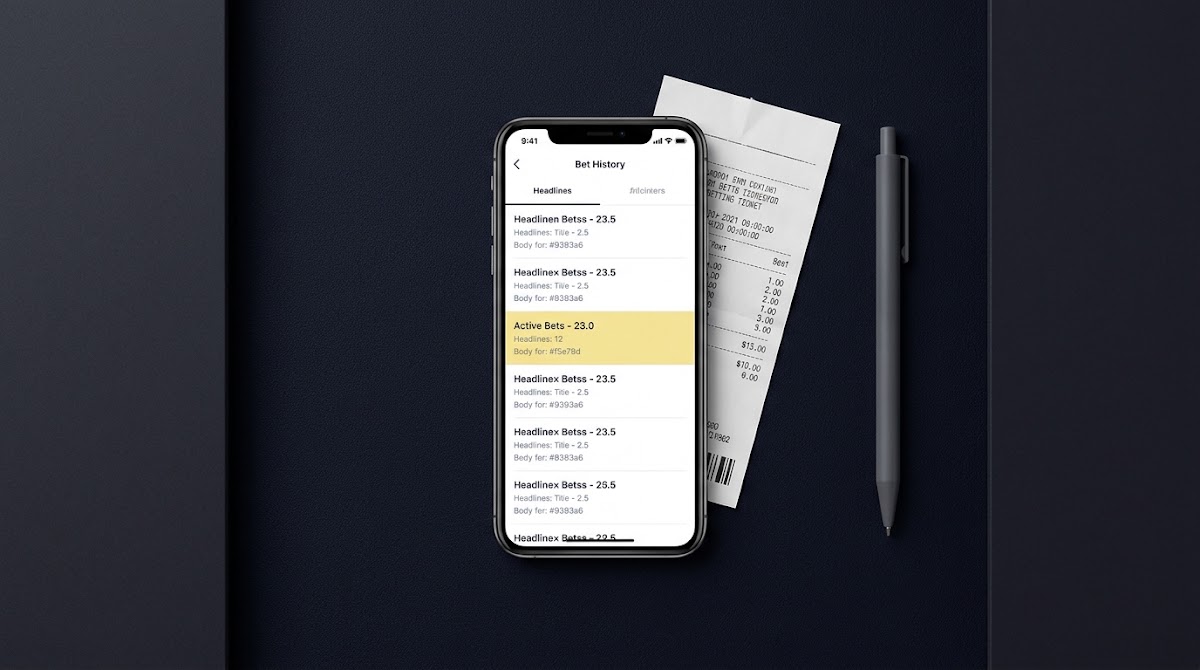
A bet slip app is a feature within an operator's mobile app or web portal that shows wager receipts, confirmations, and a history of bets placed. Users rely on it to confirm what was staked, when, and with what odds, and to follow the settlement status of each wager. The focus of this article is practical verification steps you can use when someone shares a receipt or when you need to confirm your own records; many operators provide an in-account Bet History that is the primary place to verify details.
Regulators require that licensed remote gambling operators provide clear bet confirmations and accessible account or transaction histories so consumers can view and audit wagers. This requirement underpins why checking a slip in an operator interface is both possible and expected by regulators UK Gambling Commission RTS. Technical standards also require event-wagering systems to record unique wager identifiers and detailed logs, which lets a user match a receipt to an operator ledger when needed GLI-33 event wagering requirements.

Operationally, the operator app or website Bet History is the system of record used for settlement and disputes. That ledger will show the bet ID, timestamp, selections, stake, odds, and final status; those entries are the evidence operators and, where appropriate, regulators will use to confirm outcomes to users.
Where to find your bet slips in sportsbook apps and websites
Most operator apps and sites include a My Bets or Bet History section where users can view current and settled slips and filter by date, sport, or status. Help centers for major operators describe how to find these pages and how they show open and settled wagers operator help documentation, and you can also read related posts on the Funded Plays blog how fundedplays evaluations work.
On mobile apps the My Bets area is often in the navigation menu or a bottom tab. On desktop sites a Bet History or Account Activity link will usually open a list you can sort or filter. Typical interface elements are date filters, sport or market filters, open versus settled indicators, and clickable receipt entries that expand to show full metadata.
When you look for a specific slip, use filters for date range and status first to narrow the list, then search by bet ID or receipt number if the interface supports it. If you cannot immediately find the entry, widen the date range and check whether the status field shows pending settlement or voided outcomes.
Which fields on a receipt you must match to verify a slip
To verify a slip, treat the bet ID as the primary key. GLI-33 and related standards require unique wager identifiers and auditable logs so the bet ID ties a visible receipt to an operator ledger entry GLI-33 event wagering requirements.
Other essential metadata to compare are the timestamp, selections, stake, odds, and status. A genuine match will have identical values for these fields in the shared receipt and in your account's Bet History. Even a small difference in odds, stake, or timestamp can indicate the item is not the same wager.
quick operator receipt fields to verify
Use the operator lookup when available
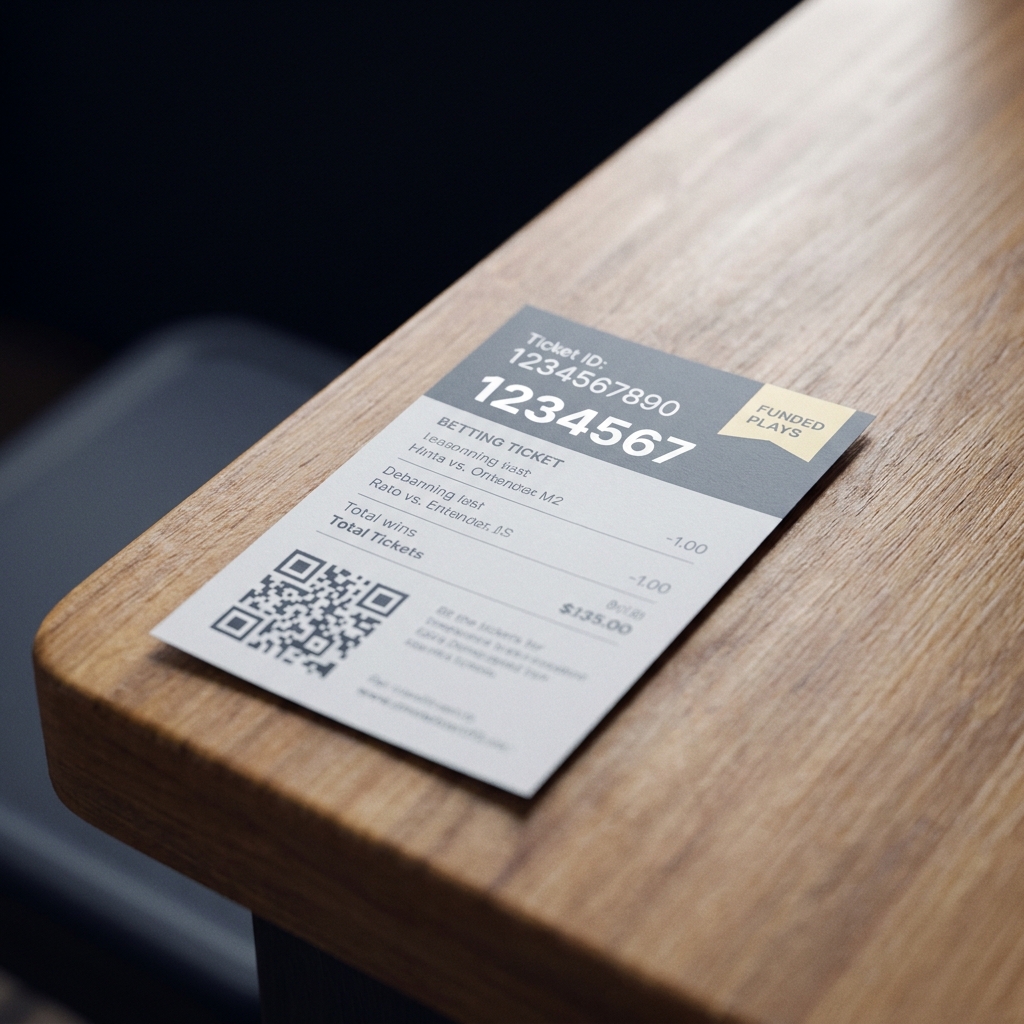
Many receipts include a scannable QR code or a numeric receipt or transaction ID that resolves to the same record in the official interface; when present, that code or number should link directly to the same bet ID and show matching metadata in the operator view.
Step-by-step: how to check a bet slip in an app or website
Step 1, sign in to your operator account; verification must be done within your account because the operator ledger is the system of record. Do not try to verify account-specific wagers on pages that do not require sign-in, because those pages will not reveal ledger-linked details.

Step 2, open My Bets or Bet History and use date and sport filters to narrow results. If your operator allows searching by bet ID or receipt lookup, paste the receipt or transaction number into that field. The in-account listing should show a clickable entry for the wager or an expanded view with the wager identifier and full metadata; this is how you locate the exact record.
Step 3, compare fields: confirm the bet ID, timestamp, selections, stake, odds, and status match exactly between the shared slip and the operator record. Do not rely solely on screenshots, because they can be edited or incomplete. When a receipt includes a QR code, prefer the operator's official scanner or receipt checker rather than a generic scanner app operator help documentation.
Step 4, if the operator provides a receipt checker or numeric receipt lookup tool, use it. Those tools map the receipt directly to the ledger entry and show the canonical data the operator uses to settle bets. If you cannot find an in-account lookup, attach clear evidence and the exact identifiers to your support request so staff can locate the record in their logs.
How to handle QR codes and receipt IDs safely
QR codes and numeric receipt IDs can be useful, but security guidance warns against scanning unknown QR codes; malicious codes may redirect you to phishing pages that mimic receipt checkers. Verify the link destination before submitting any credentials CISA QR code security guidance.
Match the shared receipt's bet ID, timestamp, selections, stake, odds, and status to the entry in your operator Bet History or use the operator's receipt lookup; if any core fields differ, do not accept the receipt as verified and contact support with the precise identifiers.
If you need to use a QR code, prefer the operator's in-app scanner or official receipt checker. In-app scanners open the operator's own interface and avoid handing you a raw link. If you must scan with a generic app, confirm the landing domain matches the operator's official domain and do not enter credentials on unfamiliar pages.
When in doubt, copy the numeric receipt or transaction ID and enter it directly into the operator's Bet History search or receipt lookup. Numeric lookups are less likely to be manipulated than a third-party link, and they avoid the risk of malicious redirection from an unknown QR code.
If a slip does not match your account: evidence and dispute steps
Gather the receipt, any barcodes or QR images, the bet ID, timestamps, and screenshots of the shared evidence before contacting support. Operators keep auditable records, and precise identifiers help staff locate the entry efficiently UK Gambling Commission RTS.
When you open a support ticket, include the bet ID, the timestamp in both the shared receipt and your account, and a short description of the mismatch. Keep copies of the shared receipt and your account view so support can compare both items directly. Clear documentation reduces back-and-forth and helps the operator reference the correct ledger entries.
If initial responses are unsatisfactory or you believe records were not retained correctly, regulatory rules in some jurisdictions allow you to request transaction logs from the operator or to raise the issue with the regulator. State rules also require operators to maintain accessible records for oversight, so provide the identifiers and the support ticket reference when escalating New Jersey sports wagering regulations.
Third-party bet-tracking apps: how they help and their limits
Third-party bet-tracking tools can help users organize wagers by manual entry or by syncing where supported. They are useful for recordkeeping, analytics, and personal tracking, but their imported records are a convenience layer rather than the authoritative ledger.
Syncing breadth varies across apps and operators. Where syncing is available the tracker may show a copy of ledger entries, but the operator's Bet History remains the authoritative record for settlement and disputes; always confirm any imported record against the operator's Bet History before relying on it as evidence operator help documentation.
Verify your receipt now in Bet History
Check your Bet History in the operator app now and note the bet ID and timestamp for any receipt you need to verify.
If you use a third-party tracker, review its permissions and data handling policy. Avoid sharing full account credentials; prefer API-based or token-limited integrations when available. For disputes, present the operator's ledger entries rather than screenshots from a third-party tool. See the Funded Plays blog for tips on data handling Funded Plays blog.
Common mistakes people make when verifying bet slips
Trusting screenshots or edited images is one of the most common errors. Screenshots can be altered or cropped and do not prove a match unless you can show the same bet ID and metadata inside the operator account. Treat a screenshot as a pointer to an in-account record rather than proof.
Ignoring mismatches in IDs, timestamps, or odds is another frequent mistake. Any mismatch undermines authenticity, and you should escalate or refuse to treat a receipt as valid evidence if the primary identifiers do not align with the operator ledger GLI-33 event wagering requirements.
Following unknown QR links or using unofficial receipt checkers risks phishing. If a link does not land on the operator's official domain, do not enter credentials or personal details and instead use the numeric receipt ID in the official interface or contact support for guidance CISA QR code security guidance.
Practical scenarios: retail ticket, in-app receipt, and shared screenshot
Retail ticket: a paper or printed retail ticket often includes a barcode or QR code and a numeric ticket number. When you return to the operator site or app, look up the retail ticket number or scan the barcode with the operator's own scanner if available, then confirm the bet ID and metadata match the ledger. Retail and online records are typically linked in the operator systems, but the ledger entry is what matters for settlement. For examples of scanner tools see Caesars Bet Tracker Caesars Bet Tracker and ticket apps such as myTicket myTicket.
In-app receipt: an entry shown inside Bet History is the strongest evidence. Locate the specific entry, expand it to show the bet ID, timestamp, selections, stake, odds, and status, and compare that view to any external receipt. If the in-app view matches all core fields, you can treat the receipt as authentic for personal records and for support inquiries.
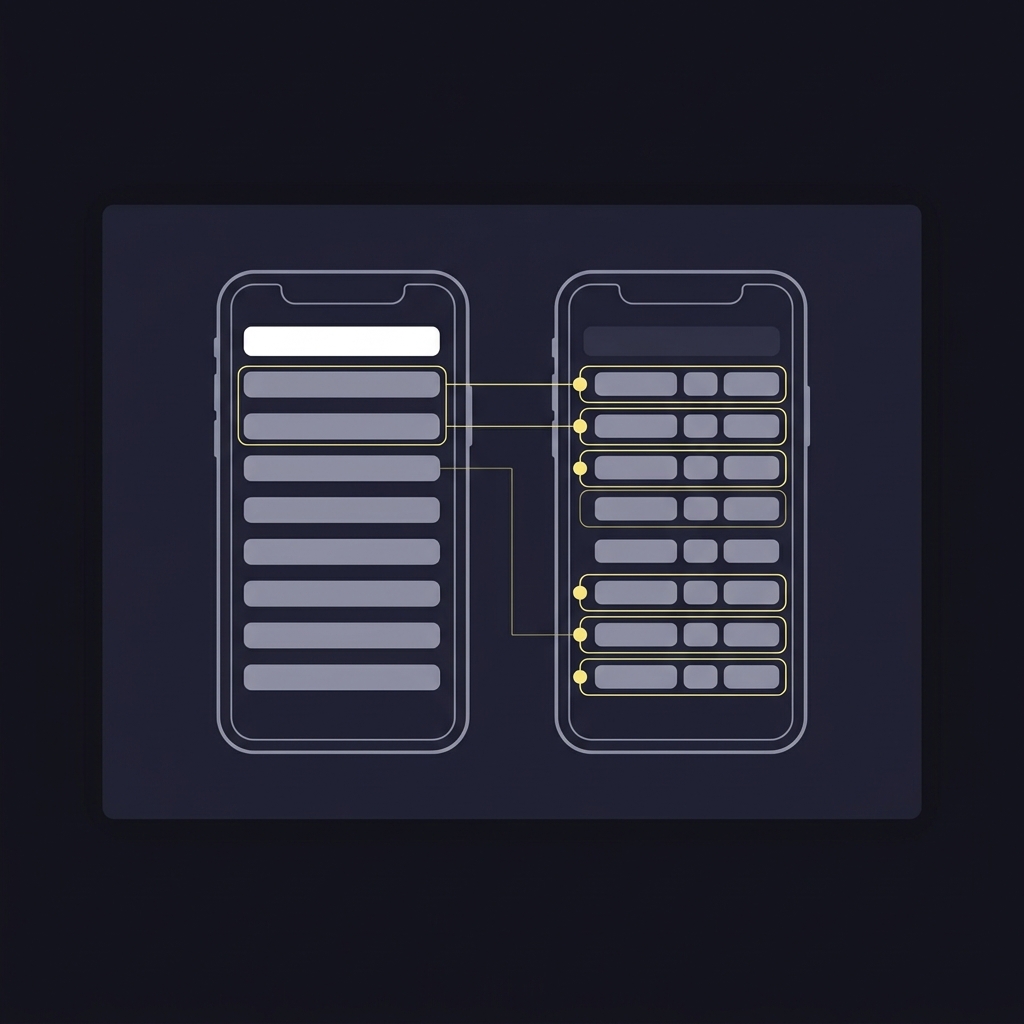
Shared screenshot: when someone sends a screenshot, do not accept it alone as proof. Ask for the bet ID and enter that identifier into your Bet History or the operator's receipt lookup to confirm. If the screenshot contains a QR or numeric code, confirm by using the operator's official tools rather than following a third-party link.
Why regulations and standards matter when you check a bet slip
Regulatory recordkeeping requirements are the reason operators keep auditable logs and provide consumer access to transaction histories. UK remote gambling technical standards require transparent transaction records and clear confirmations so consumers and auditors can review wagers UK Gambling Commission RTS.
State-level regulations, like the New Jersey sports wagering rules, also require operators to retain accessible records for oversight and dispute resolution, which gives consumers a regulatory path if operator support does not resolve a mismatch New Jersey sports wagering regulations.
Technical standards such as GLI-33 set expectations for event-wagering systems including unique wager identifiers and auditable logging that testers and regulators use to confirm a system can support reliable verification and dispute resolution GLI-33 event wagering requirements.
Quick verification checklist you can use now
Sign in to your account and open Bet History.
Locate the wager by bet ID or use date and status filters; compare timestamp, selections, stake, odds, and status.
If a QR code or receipt ID is provided, use the operator's official checker; do not rely solely on a screenshot CISA QR code security guidance.
Protecting your account and privacy when checking slips
Use only the operator's official app or website and protect your login credentials; enable two-factor authentication where available. Do not share full account screenshots that reveal personal or financial details; redact or crop out identifying information when you must provide evidence to support.
When scanning QR codes, confirm the landing domain before taking any action. Prefer entering numeric receipt IDs directly into the operator site to reduce the chance of malicious redirection. Review the operator's privacy practices and avoid sharing credentials with third-party trackers.
If you use a tracker, restrict permissions and revoke access when not needed. For dispute purposes, present the operator's ledger screenshot or receipt lookup rather than records from a third-party tool, since the operator ledger is the authoritative evidence for settlement and regulatory review.
Final takeaways and next steps
The operator ledger is the authoritative record. Always match a slip's bet ID and core metadata exactly to that ledger before considering the receipt verified GLI-33 event wagering requirements.
Favor in-account tools and official receipt checkers rather than screenshots or third-party links. Verify QR code destinations before scanning and prefer numeric receipt lookup when available. If a mismatch remains after following these steps, gather identifiers and open a support ticket with the operator; include the bet ID, timestamps, and any shared evidence so staff can locate the correct ledger entries for review. Learn more at Funded Plays.
No. Screenshots can be edited or incomplete; always compare the screenshot's bet ID and metadata to the operator's Bet History or use the operator's receipt lookup.
Only if you confirm the QR code lands on the operator's official domain. Prefer the operator's in-app scanner or enter the numeric receipt ID directly.
Provide the bet ID, timestamps, screenshots of both the shared receipt and your Bet History, and a concise description of the mismatch.
References
- https://www.gamblingcommission.gov.uk/technical-standards/remote-gambling-and-software-technical-standards
- https://gaminglabs.com/wp-content/uploads/GLI-33-v1.1-Event-Wagering-Systems-Requirements.pdf
- https://www.fundedplays.com/challenges
- https://help.draftkings.com/hc/en-us/articles/115005329903-How-do-I-check-the-status-of-my-bets
- https://www.fundedplays.com/blogs/how-fundedplays-evaluations-work
- https://www.fundedplays.com/blogs
- https://www.fundedplays.com/
- https://www.cisa.gov/resources-tools/resources/qr-code-security-best-practices
- https://www.nj.gov/oag/ge/docs/Regulations/SportsWageringRegulations.pdf
- https://sportsbook.caesars.com/tracker/us/ne/
- https://www.sportsbettingdime.com/guides/deposits-withdrawals/verifying-your-sportsbook-account/
- https://play.google.com/store/apps/details?id=com.cbc_x.myTicket&hl=en_US