
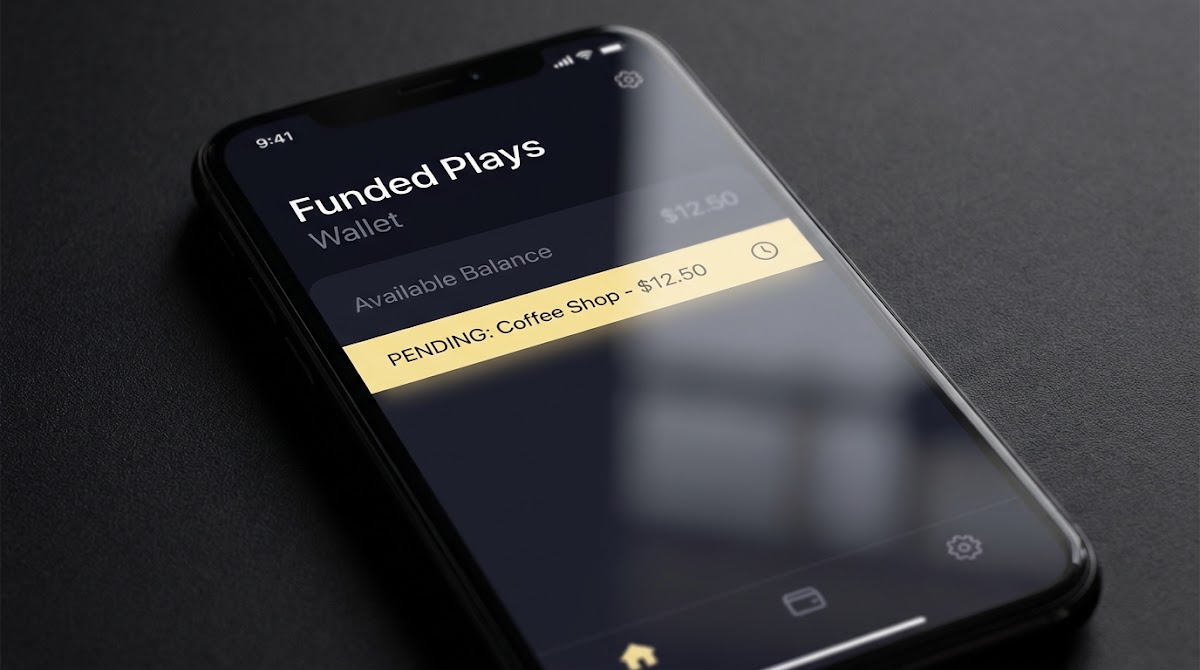
At a glance: how withdrawals work in the app
The bet 9ja app lets you request payouts from the Wallet or Banking area inside the mobile interface. Before you tap withdraw, confirm your profile, bank details and verification status so you avoid common holds and rejections; the official How to Withdraw flow is the place to start and it explains the exact steps to submit a request and monitor it in Transactions Bet9ja Help Center.
The app requires three primary preconditions to allow a withdrawal: a verified identity, a bank account saved to your profile that matches your Bet9ja account name, and any platform-specific limits or deposit-usage rules being satisfied. These checks exist to comply with the operator terms and to reduce the chance your payout will be held or returned.
Use the Wallet How to Withdraw flow in the app, select a registered bank that matches your account name, enter the amount and confirm. If verification is required or the withdrawal is delayed, check Transactions for status and follow Help Center instructions or submit a support request with the withdrawal ID and screenshots.
After you start a request, the Transactions view shows the withdrawal entry and status updates. Use Transactions to check whether the request moved from submitted to processing or completed, and note any error text shown there for troubleshooting.
Step-by-step: start a withdrawal from the wallet
1. Open the Wallet or Banking area in the app. Look for a How to Withdraw or Withdraw button inside your wallet section to start the official flow as described in the help documentation Bet9ja Help Center.
2. Select your registered bank from the list. Only banks you previously added to your account will appear; the saved account must match the account holder name on your Bet9ja profile to avoid third-party payment restrictions.
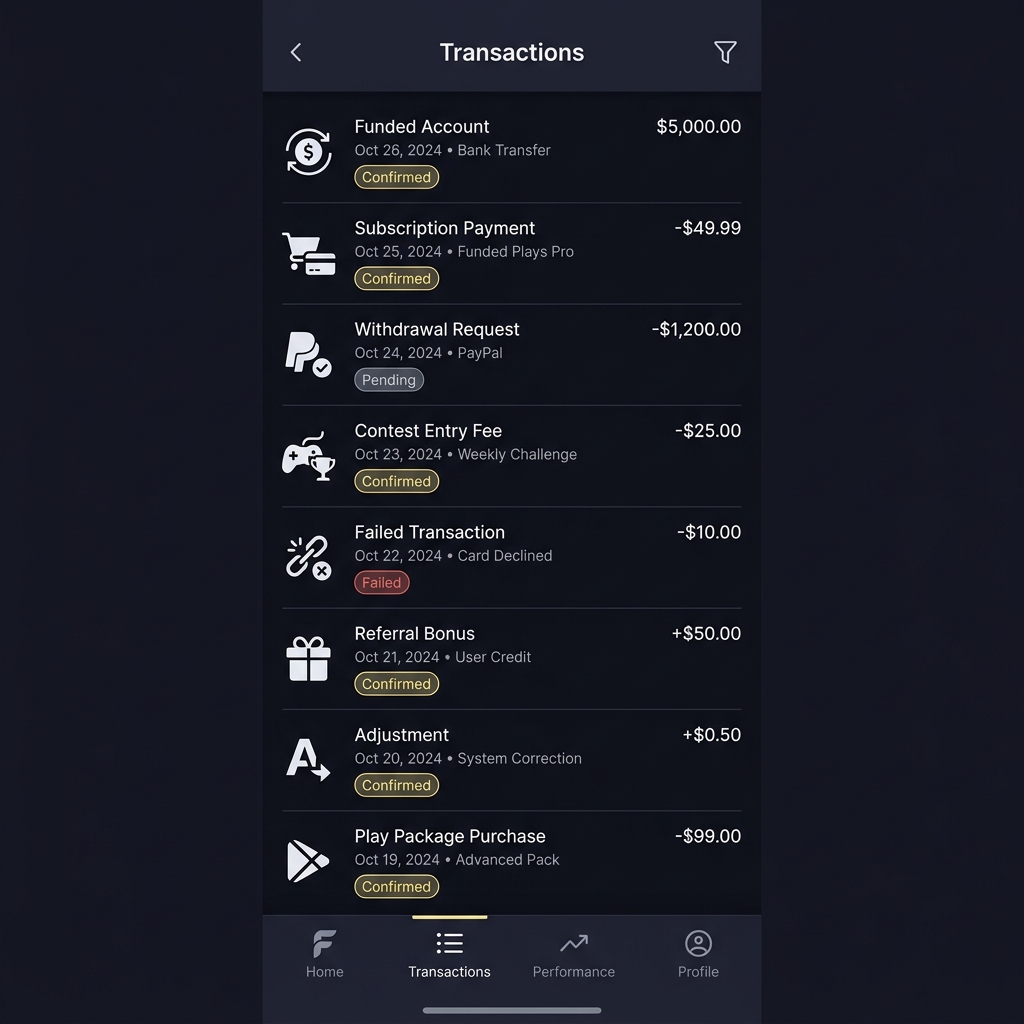
3. Enter the amount you want to withdraw, confirm the details on screen and tap the Confirm button. The app will create a withdrawal request that you can then follow in the Transactions view for status changes and timestamps.
4. If the app prompts for verification or additional details during this flow, follow the on-screen instructions. Keep a record of the withdrawal ID or reference shown in Transactions to use if you later need support.
Identity verification and KYC checks you should expect
Bet9ja requires identity verification and may request documents before the first or subsequent payouts; this is a standard compliance requirement under the operator terms and can be triggered at account opening or when a withdrawal is requested General Terms and Conditions.

Typical documents requested include a government ID, proof of address and sometimes a selfie or live verification step, with the exact requirements communicated through in-app prompts or the Help Center guidance; follow the upload instructions carefully to avoid delays.
The verification process may pause a withdrawal until checks are complete, and the operator may hold, request more information or reject a payout that breaks name-matching or AML rules. That action is permitted under the platform terms and is part of normal KYC controls Verification guidance.
Steps to upload KYC documents and check verification status in the app
Upload documents in the profile verification section and check status in Verification or Wallet
If a hold appears, the app will usually state which document is missing or which check failed. Respond promptly and upload clear scans to shorten the review cycle.
Bank rules, name matching and third-party payments
Withdrawals must be made to a bank account in the same name as the Bet9ja profile; requests to third-party accounts are not permitted and can be rejected or held under the platform rules Bet9ja Help Center.
Before submitting a withdrawal, verify the exact spelling of the account holder name, the account number and the bank code in your saved bank details. A small mismatch or nickname can cause an automatic rejection, which then requires correction and resubmission.
A third-party payment is any withdrawal routed to a bank account that is not registered in the same name as the Bet9ja account. The operator may return or hold such payments to meet anti-money-laundering requirements and to protect both the account holder and the platform.
Processing times, limits and what affects speed
Processing time varies with verification status and recipient bank schedules; if verification is pending the withdrawal can remain in processing until checks finish, and banks or maintenance windows can also delay settlement Bet9ja Help Center. (See a walkthrough on Goal.)
Bet9ja sets minimum and maximum withdrawal thresholds that you must meet when submitting a request, and these thresholds are described in the platform terms. Ensure the amount you enter meets those limits to avoid an immediate rejection under the rules General Terms and Conditions.
Need to escalate? Prepare your details first
Please check your Transactions list and the Help Center troubleshooting pages before opening a support ticket to confirm whether the delay is verification or bank related.
Delays are more common during weekends, public holidays and scheduled maintenance windows. Because settlement also depends on the receiving bank's cutoffs and working hours, a request shown as completed in the app may still take bank processing time to appear in your account.
How to monitor your withdrawal in Transactions
Open the Transactions view in the app to see a history of your wallet activity and the current status of any withdrawal request. The Transactions list records when you submitted the request and any status updates the system provides Mobile Transactions guide.
Common status labels you may see include request submitted, processing, completed and rejected. Request submitted means the operator received your instruction. Processing indicates internal review or bank transfer is underway. Completed means the operator marked the payout finished on their side. Rejected means a problem stopped the payout and further action is required.
If you see an error label, note the exact text and timestamp. This helps support locate the record faster. Only escalate after you have confirmed name matching and verification status so the support team does not need to ask for basic checks.
If your withdrawal is pending or delayed: what to do next
Start with three immediate checks: confirm the bank account name matches your Bet9ja profile, ensure your account verification is complete, and verify you meet any minimums and rollover or deposit-usage rules that might block a payout Bet9ja Help Center.
Review the Transactions entry for any error messages and follow the Help Center troubleshooting pointers. If an error references KYC or missing documents, upload the requested files through the verification area and wait for the system to re-evaluate the request.

If your checks do not resolve the issue, submit a support request via the official Help Center contact form and include the withdrawal ID, timestamps and screenshots. Support can confirm whether an agent hold or bank-level delay is affecting completion Contacting Bet9ja Support. You can also visit the Funded Plays homepage Funded Plays.
Common rejection reasons and how to fix them
Name mismatch or third-party transfer rejections are frequent. Fix this by updating the saved bank details to exactly match your Bet9ja profile, then reapply for the withdrawal; include a clear copy of your ID if the platform asks for proof of the name change Why was my withdrawal rejected?.
Incomplete verification or missing documents will also cause rejection. If that is the reason, upload the requested ID or proof of address in the verification area and wait for confirmation. Avoid resubmitting multiple requests while verification is in progress, as this can complicate the review queue.
Account limits or deposit-usage rules may block payouts until you meet rollover requirements or minimum bet usage. Check the terms and your Transactions history to confirm whether a usage condition is preventing a withdrawal and complete any outstanding actions before trying again.
When Bet9ja may hold or request additional documents
Holds can be triggered by KYC gaps, suspicious activity alerts or AML reviews. The operator is permitted under the General Terms and Conditions to request documents and to hold or reject payouts until the checks are satisfied General Terms and Conditions.
Document requests usually arrive via in-app prompts or the Help Center instructions. Upload files in the verification area and make sure images are legible. After you submit documents, the platform will review them and update the Transactions entry when the verification outcome is recorded.
Expect that some reviews require manual checks. While this can add time, responding promptly with clear documents reduces the chance of a prolonged hold.
Troubleshooting app errors and interpreting error codes
Note the exact error message and the time it occurred. Check Transactions for a matching entry and then try basic steps: log out, force-close and restart the app, confirm your saved bank details and try the withdrawal again to see if the error repeats Mobile Transactions guide.
Capture screenshots of the error, the Transactions entry and any relevant profile pages. When you file a support ticket, include these screenshots plus the withdrawal ID so support can reproduce the problem faster and avoid asking for routine checks.

If the error persists after these steps, submit a detailed support request that lists the actions you already tried, the exact error text, timestamps and images; this helps engineers or agents focus on the specific failure rather than basic account checks Contacting Bet9ja Support.
Best practices to reduce delays and rejections
Keep your Bet9ja profile name, spelling and bank account details identical. Small differences in punctuation or name order can trigger a rejection, so use the exact form of your name used by your bank and on your ID Bet9ja Help Center.
Complete KYC proactively before attempting large withdrawals. If you know you will request a payout, finish verification in advance to avoid a hold during the withdrawal flow.
Never attempt to withdraw to a third-party bank account. Use only banks registered to your name to comply with AML rules and the platform terms.
Safety, AML and responsible use reminders
AML and compliance checks are standard and protect both users and the operator. Bet9ja can request verification documents, hold payouts or refuse third-party payments as part of these controls, and those actions are reflected in the terms General Terms and Conditions.
Keep your account secure by using a strong password, enabling any available security features and avoiding sharing account access. If you suspect unauthorized activity, contact support immediately and provide evidence such as transaction timestamps.
Remember that withdrawals depend on compliance and account history. The platform does not guarantee payout timing; outcomes depend on verification results and bank processes.
Example scenarios: common withdrawal walkthroughs
First withdrawal after signup: complete KYC during onboarding, add and verify your bank details, then start the How to Withdraw flow in Wallet. If the platform requests documents at this stage, upload them and monitor Transactions for a status update; the help documentation outlines this sequence Verification guidance.
Withdrawal after a recent deposit: confirm that deposited funds have been used in line with any deposit-usage or rollover rules set out by the operator before requesting a payout. Check Transactions for any pending wager requirements that might block a withdrawal.
After a rejected withdrawal: identify the rejection reason in Transactions, correct the cause such as updating bank details or uploading missing documents, and then resubmit or contact support with the withdrawal ID and screenshots for help Why was my withdrawal was rejected.
When and how to contact Bet9ja support
Include the following in your support request: your account name, the withdrawal ID from Transactions, exact error text, timestamps and screenshots. These items let support locate and verify the issue quickly Contacting Bet9ja Support.
Use the official Help Center submit-a-request route as the primary escalation channel. Support may ask for additional documents or clarification and response times depend on verification complexity and case load.
Be concise and structured in your ticket: list the actions you tried, the exact wording of any error messages and attach clear images. This reduces back-and-forth and helps the team resolve the case faster.
Legal and terms checklist before withdrawing
Review the General Terms and Conditions to confirm the operator can request verification documents, hold or reject payouts that breach name-matching or AML rules. Understanding these contractual rights helps set realistic expectations if a hold occurs General Terms and Conditions.
Check minimum and maximum withdrawal thresholds and any usage conditions for deposited funds before requesting a payout. If you plan a large withdrawal, confirm KYC is complete to avoid a preventable hold.
If in doubt, consult the Help Center articles linked in this guide and retain screenshots of key app pages to support any later inquiries. See the Funded Plays blog Funded Plays blog for related posts.
Summary and useful next steps
Quick recap: use the Wallet How to Withdraw flow, confirm name-matched bank details, complete KYC beforehand and monitor Transactions for status updates and error messages Bet9ja Help Center. See our blog Funded Plays blog for related posts.
Priority checks before submitting: verify the account name and spelling, ensure required documents are uploaded, and confirm you meet any platform thresholds or deposit-usage rules.
If a problem persists after these checks, submit a support request via the Help Center with the withdrawal ID, clear screenshots and a concise description of the steps you have taken. That gives the support team what they need to investigate efficiently Contacting Bet9ja Support. Learn about our evaluations here.
No. Withdrawals must go to a bank account registered in the same name as your Bet9ja profile; third-party accounts are not permitted.
Pending verification usually means KYC checks or requested documents are outstanding; upload the required files and monitor Transactions for status updates.
Provide your account name, the withdrawal ID from Transactions, exact error text, timestamps and clear screenshots to speed resolution.
References
- https://help.bet9ja.com/hc/en-us/articles/360037267393-How-to-Withdraw
- https://help.bet9ja.com/how-to-withdraw/
- https://www.bet9ja.com/terms-and-conditions
- https://help.bet9ja.com/hc/en-us/articles/360037267383-Verification-KYC-and-Account-Checks-for-Withdrawals
- https://help.bet9ja.com/how-to-verify-your-account/
- https://help.bet9ja.com/hc/en-us/articles/360037267413-Mobile-Lite-How-to-view-Transactions
- https://help.bet9ja.com/hc/en-us/articles/360036815814-Why-was-my-withdrawal-rejected
- https://help.bet9ja.com/hc/en-us/requests/new
- https://www.fundedplays.com/challenges
- https://www.fundedplays.com
- https://www.fundedplays.com/blogs
- https://www.fundedplays.com/blogs/how-fundedplays-evaluations-work
- https://www.goal.com/en-ng/betting/how-to-withdraw-from-bet9ja/bltadd31156760036a9